Quick Start
Try the hosted demo
The easiest way to try Tero is through the online demo. Request access at https://abstracta.us/tero.
Run locally
Prerequisite: Docker
Clone the repository. Make sure you have git-lfs installed to get all the files properly.
Generate an OpenAI API key or an Azure OpenAI endpoint and key.
Copy
src/sample.envto.envand setOPENAI_API_KEYorAZURE_API_KEYSandAZURE_ENDPOINTS.Start the app and dependencies:
docker compose upOpen
http://localhost:8000and log in with usernametestand passwordtest.
Info
Some tools (e.g., Web, advanced file processing for Docs) require additional configuration. Check comments in src/sample.env for details.
Welcome screen
After you log in to Tero, the welcome screen helps you get started fast. Start by chatting with the default agent or browse shared agents in Discover.
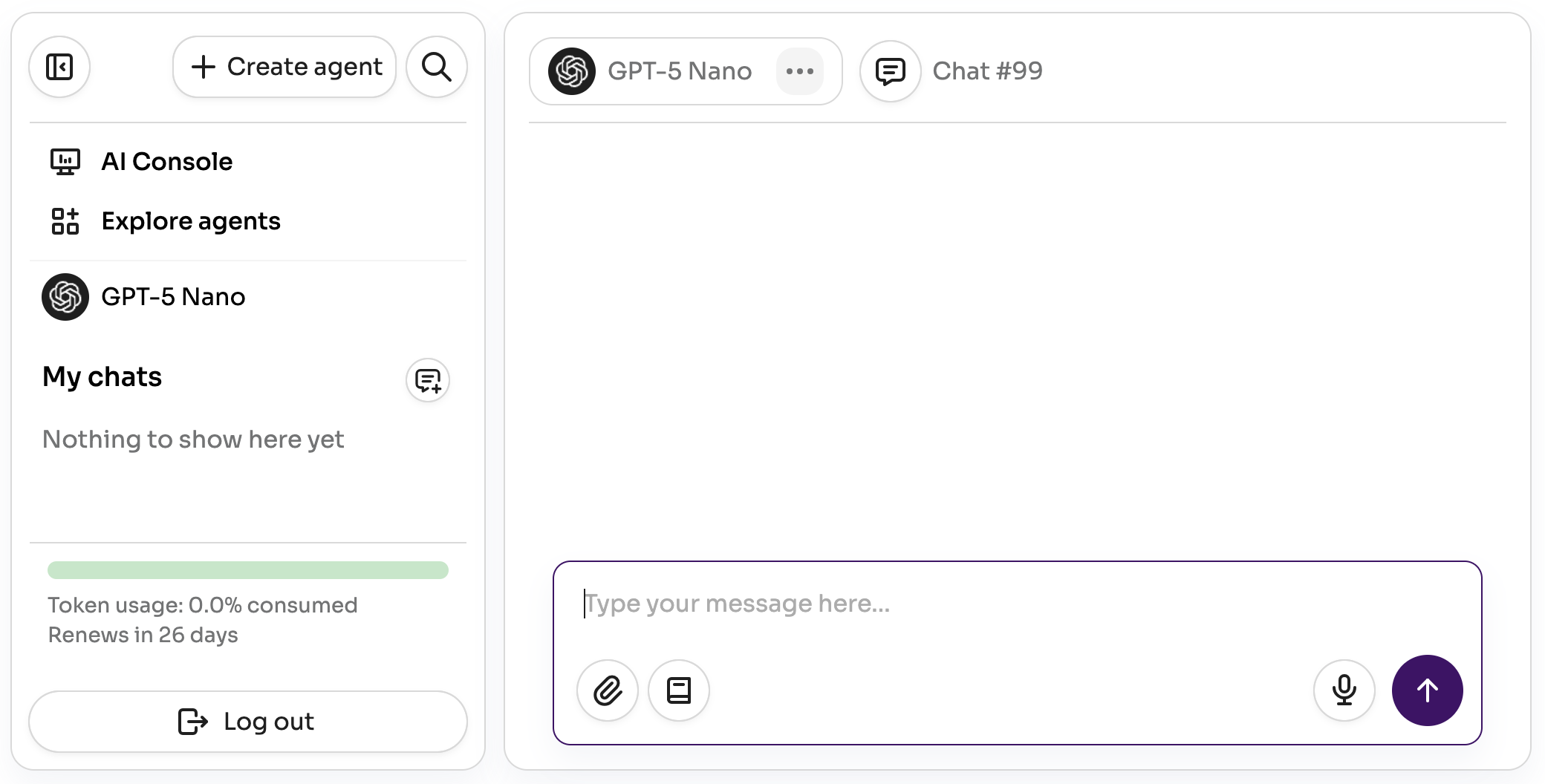
Sidebar
Use the sidebar to move quickly between agents and conversations:
- Recents: Browse recently used agents and chats.
- Search: Find agents and chats instantly.
- Organize: Collapse/expand the sidebar, rename chats, and remove items you no longer need.
- Usage: See your current monthly budget usage. See Usage for details.