Discover Agents
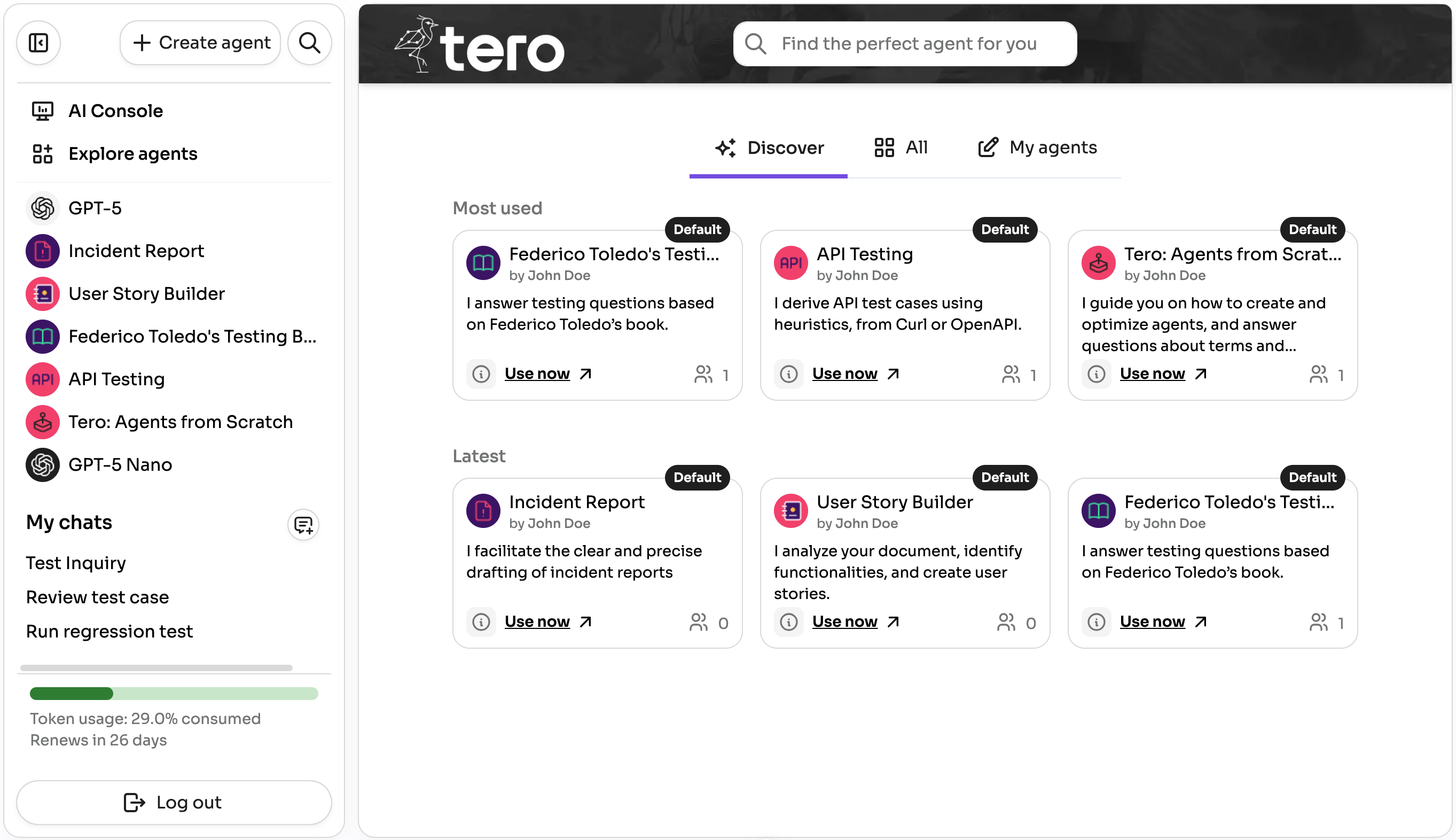
The Explore agents panel is your catalog of agents available in your Tero environment. Here you can see what others have shared, find the most used and latest agents, search for an agent, browse by team, review details of an agent and jump into a chat instantly.
Teams
Tero supports defining teams to share agents with specific groups of users.
- Global team: Every user is part of the Global team by default, so agents shared there are discoverable by everyone.
- Team Leader: Team leaders can manage teams, edit agents published in a team and review adoption and impact metrics for their teams. Learn more in the AI Console section.
All tab
- Browse shared agents: Explore agents published by people in your environment.
- Filter by team: Use the team filter to see agents from specific teams. By default, everyone belongs to the Global team, which is visible to all users.
- Sort: Toggle between Most used and Latest to find popular or newly added agents.
My agents tab
Review and manage the agents you have created.
Community agents repository
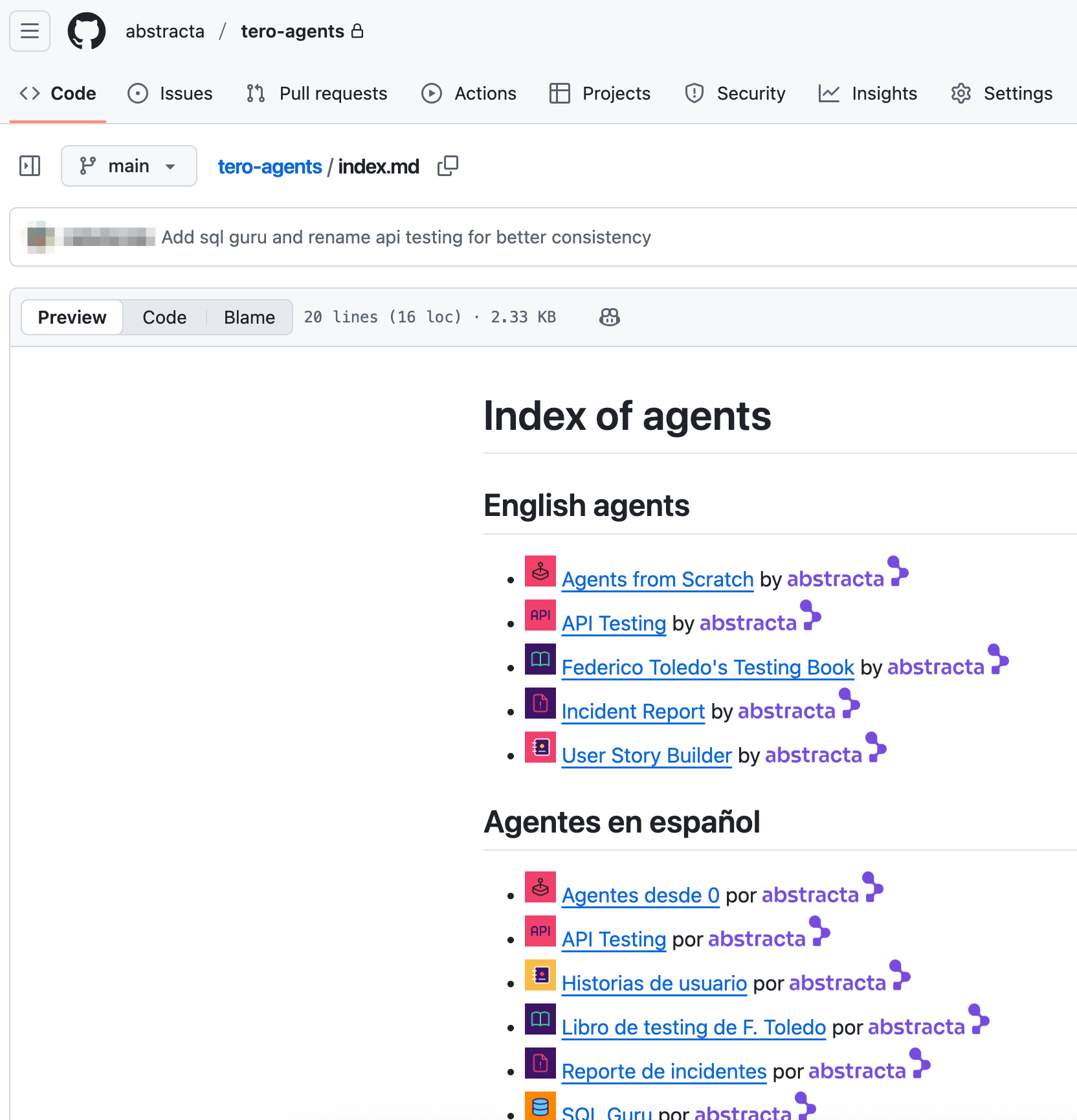
You can also discover agents in the Community agents repository and import them into your Tero environment.
Info
This screenshot is illustrative. Visit the repository to see the latest available agents.
To use any of these agents:
- Clone the repository.
- Zip the folder of the agent you want to import.
- In your Tero instance, create a new agent.
- Use Import to upload the zipped agent.
See more details in Export & Import